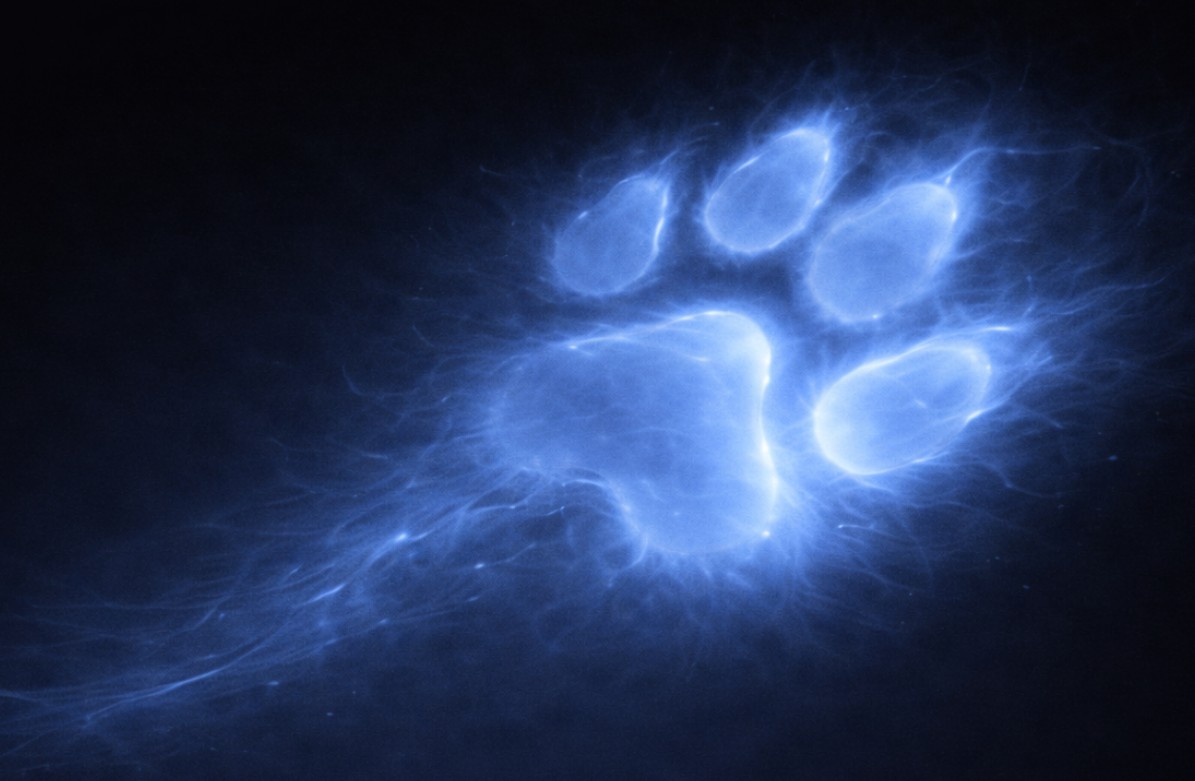
About Moca
Small cat.
Panther instincts.
Meet Moca—the quiet observer behind CyberMo, Black Panther Cybersecurity’s guardian of the digital world.
Curious. Watchful. Ready to investigate the thing everyone else walked past.
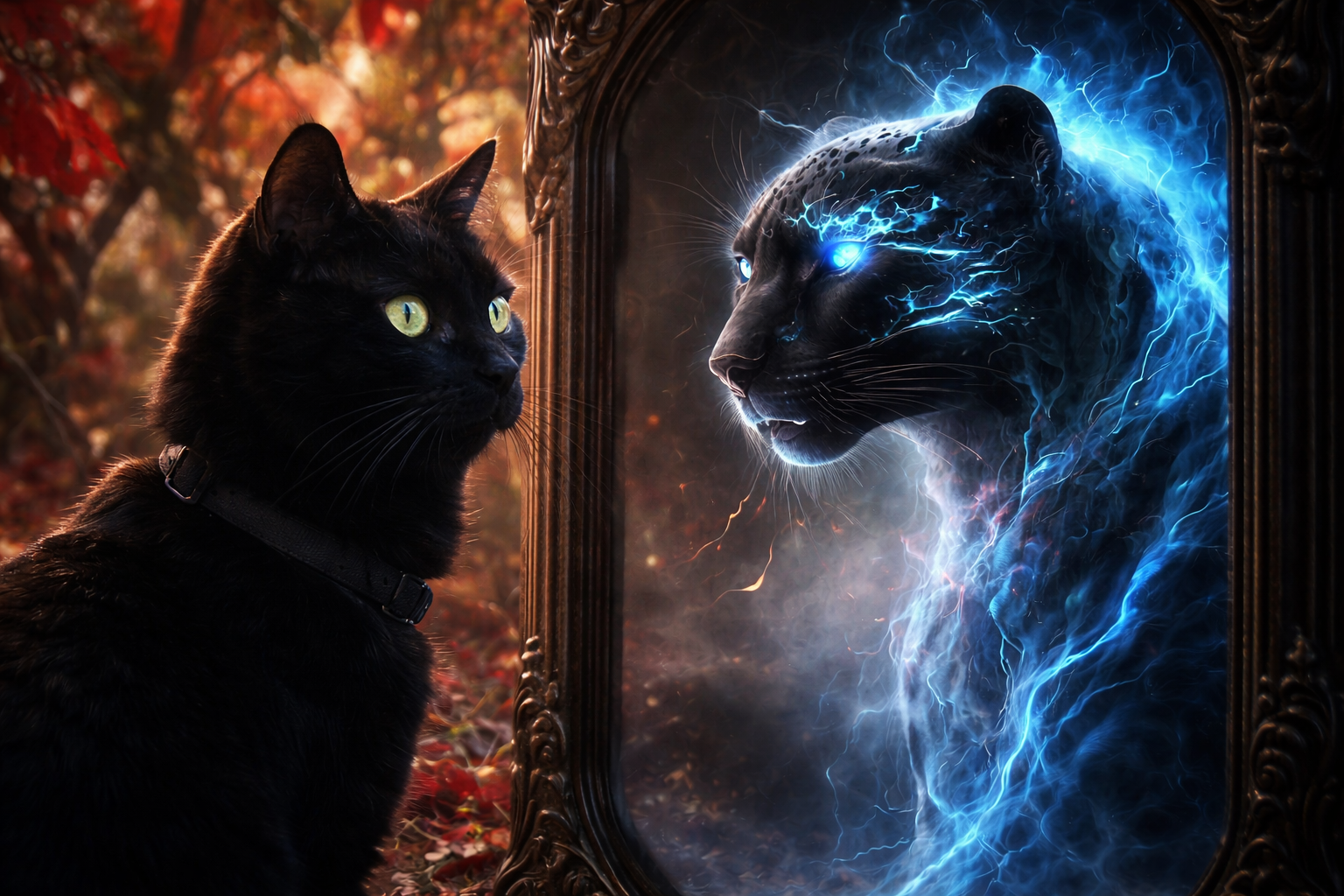
The Watcher
A little guardian with a big world to protect.
In her stories, an ordinary black cat becomes CyberMo: a cyber panther who follows the evidence, notices what feels out of place, and protects the gates without losing her feline curiosity.
Her adventures turn unfamiliar security ideas into something you can see, follow, and remember.
Becoming Cyber Kitty
From Moca to the network.
Moca follows the electric signal through the mirror and enters the network as its cyber guardian.
CyberMo’s adventures · Episode 01
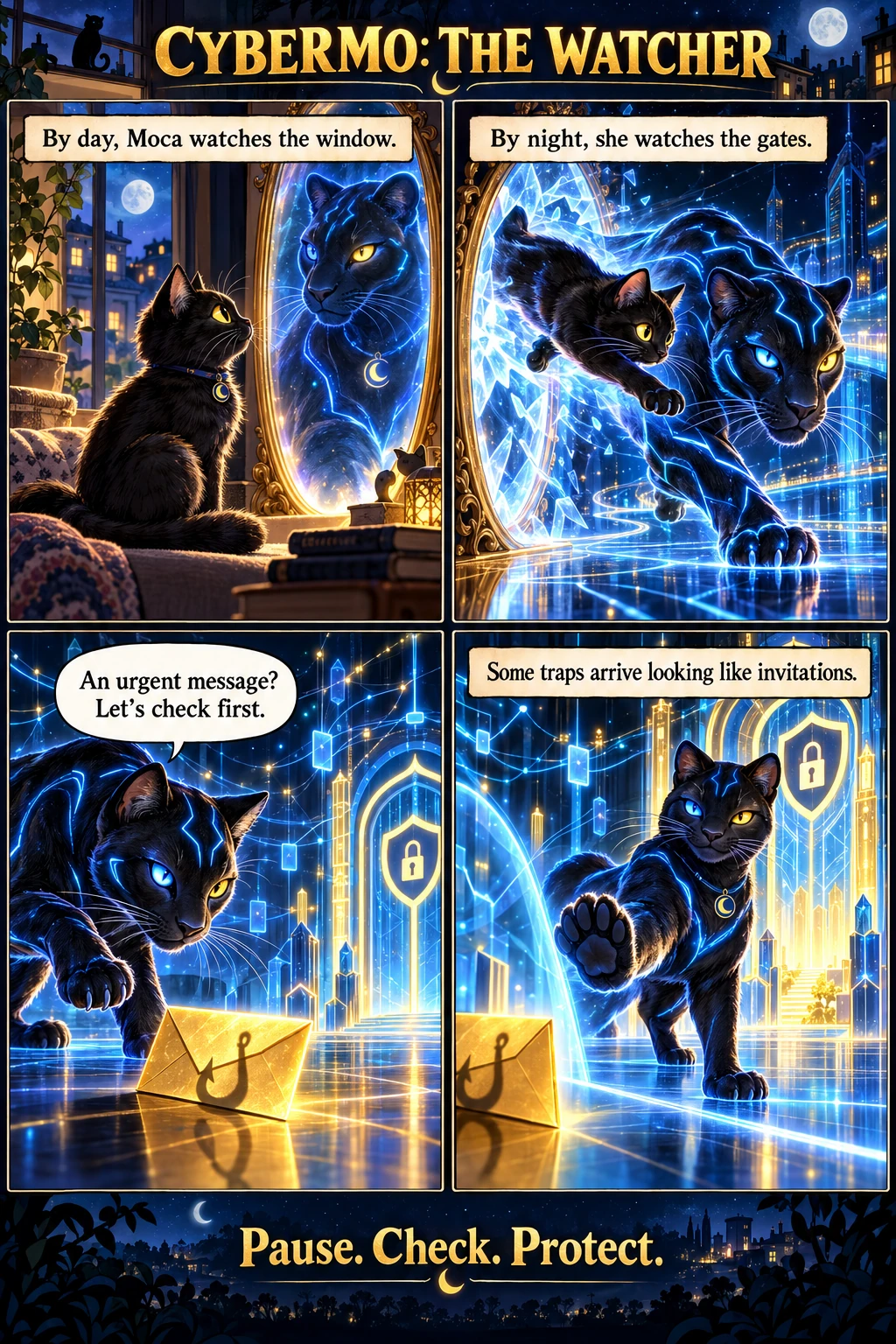
The Watcher
Some traps arrive looking like invitations.
An illustrated, fictional adventure about pausing before trusting an unexpected message.
A little guidance to keep. Download CyberMo’s pocket guide
Read the story
The invitation at the gate
By day, Moca watched the window. Leaves moved. Birds argued. Nothing escaped those patient eyes.
Then the mirror flickered blue.
Moca stepped closer. In the glass stood a panther, outlined in electricity, with the same curious tilt of her head. One leap carried her through. The room became a city of light, and the little watcher became CyberMo.
At the network gate, a golden envelope waited. Its message was urgent. Open now. Act quickly. There was no time to think.
CyberMo sat down.
“An urgent message? Let’s check first.”
She watched the envelope turn. Behind its bright promise, a hook-shaped shadow moved across the floor.
One paw rose. The envelope stayed outside. Beyond the gate, the lights carried on glowing.
There was always time to look twice.
When a message pressures you to act, slow down. Verify the request through a trusted route you already know before opening its links or sharing information.
Explore Protect Yourself →Comic text transcript
- Moca sits by a mirror. “By day, Moca watches the window.”
- Moca leaps into the network as a cyber panther. “By night, she watches the gates.”
- A golden envelope has a fishing-hook symbol. CyberMo says, “An urgent message? Let’s check first.”
- CyberMo holds a paw before the envelope. “Some traps arrive looking like invitations.” The closing motto is “Pause. Check. Protect.”
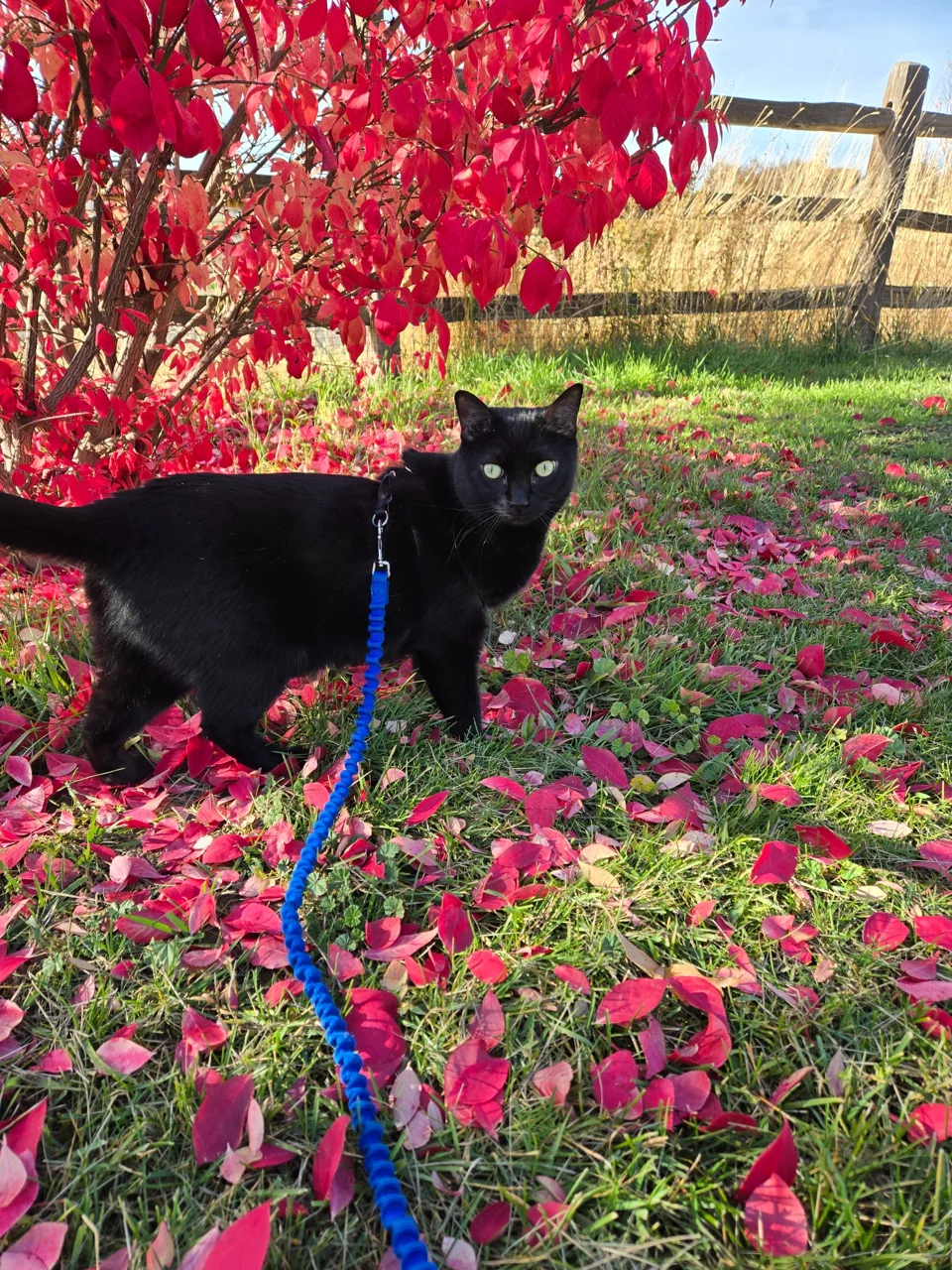
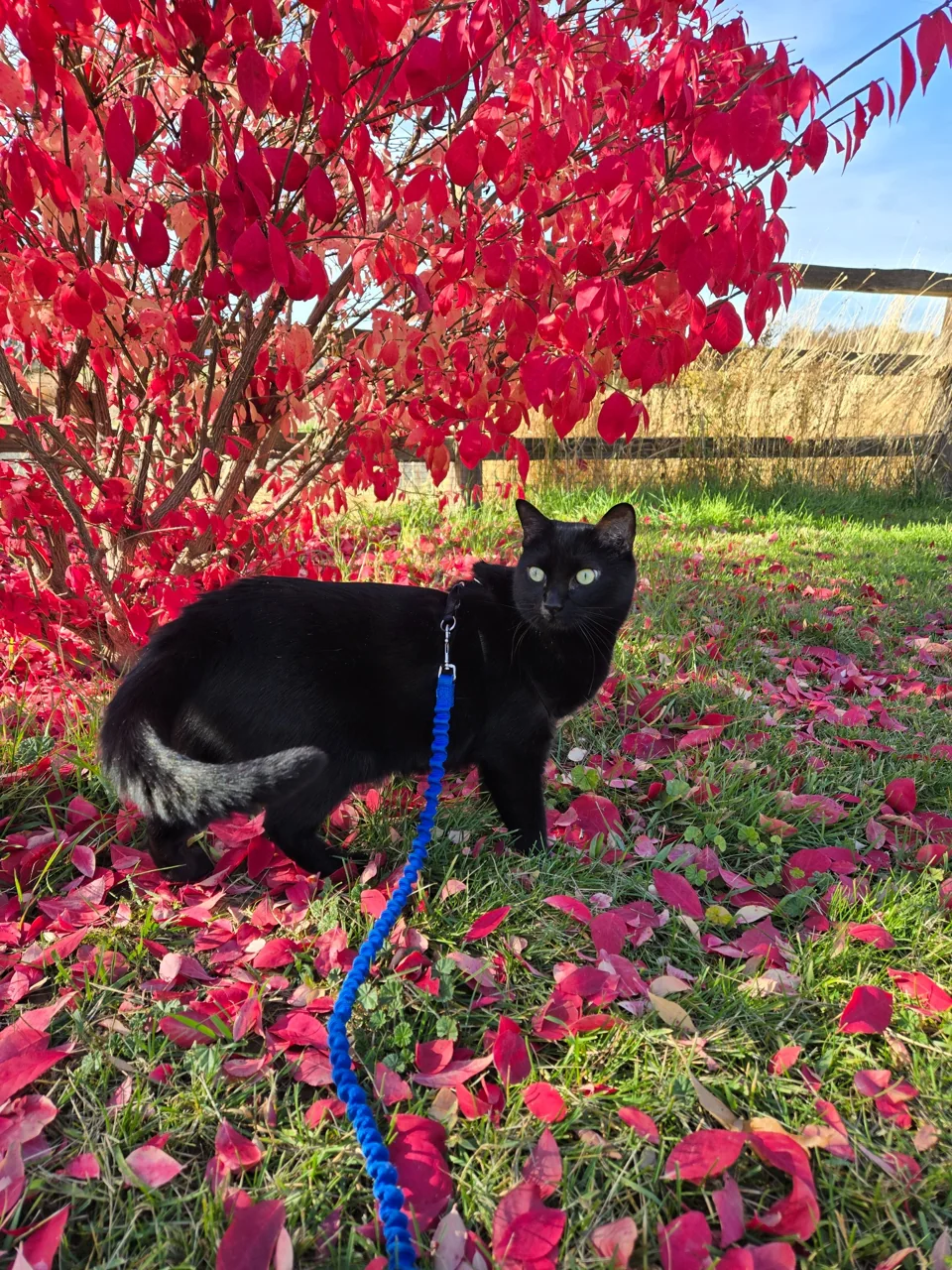
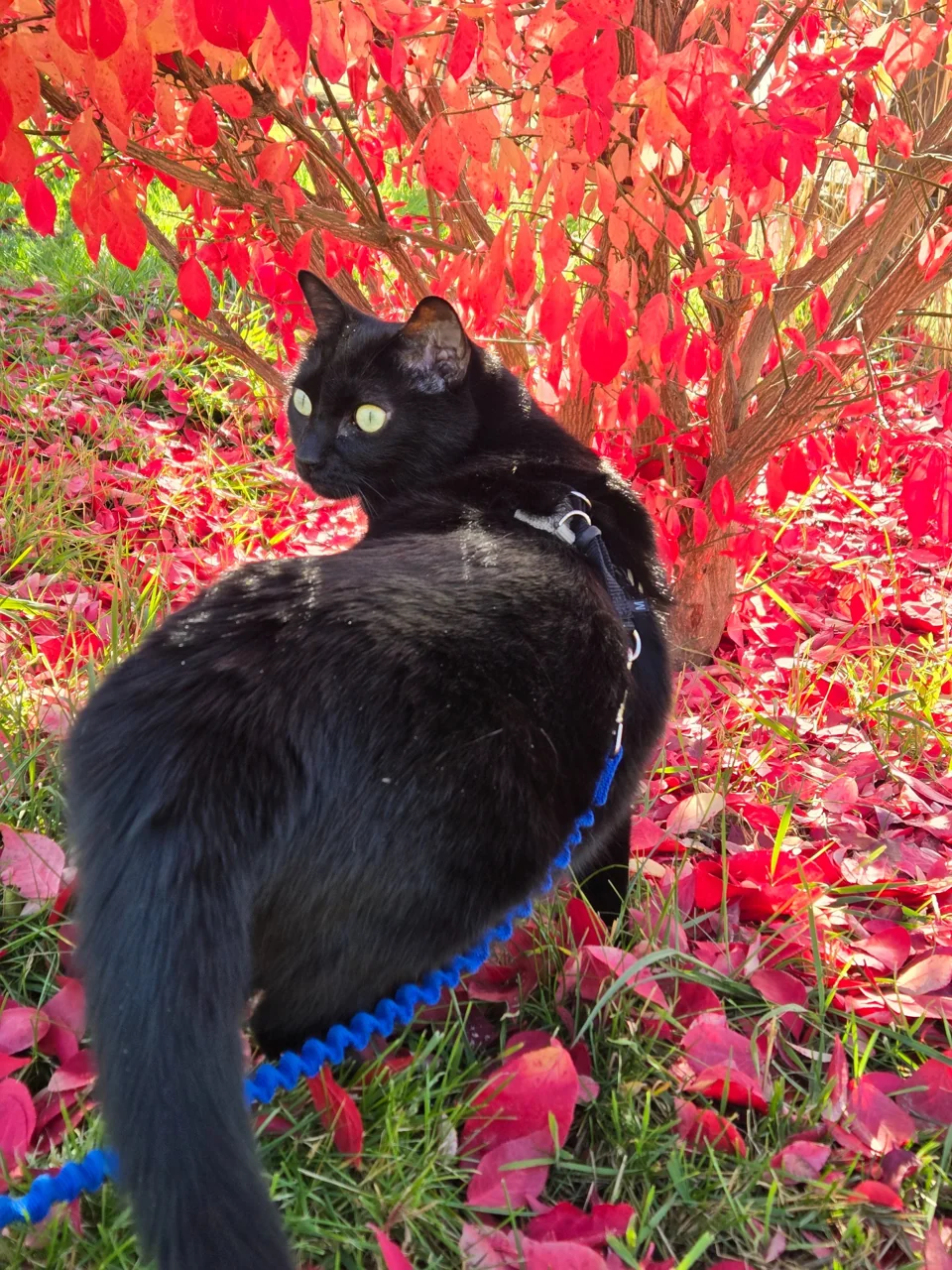
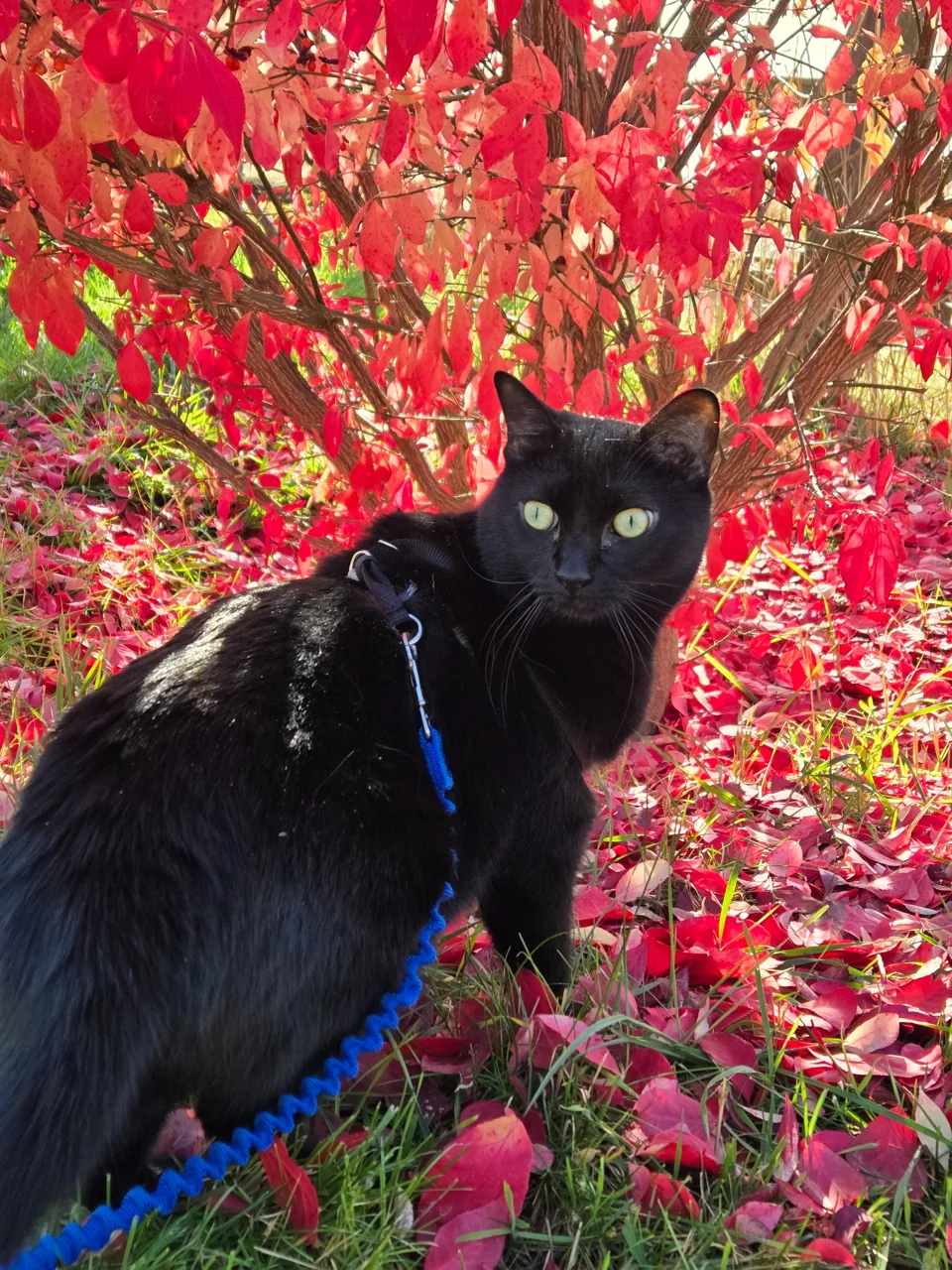
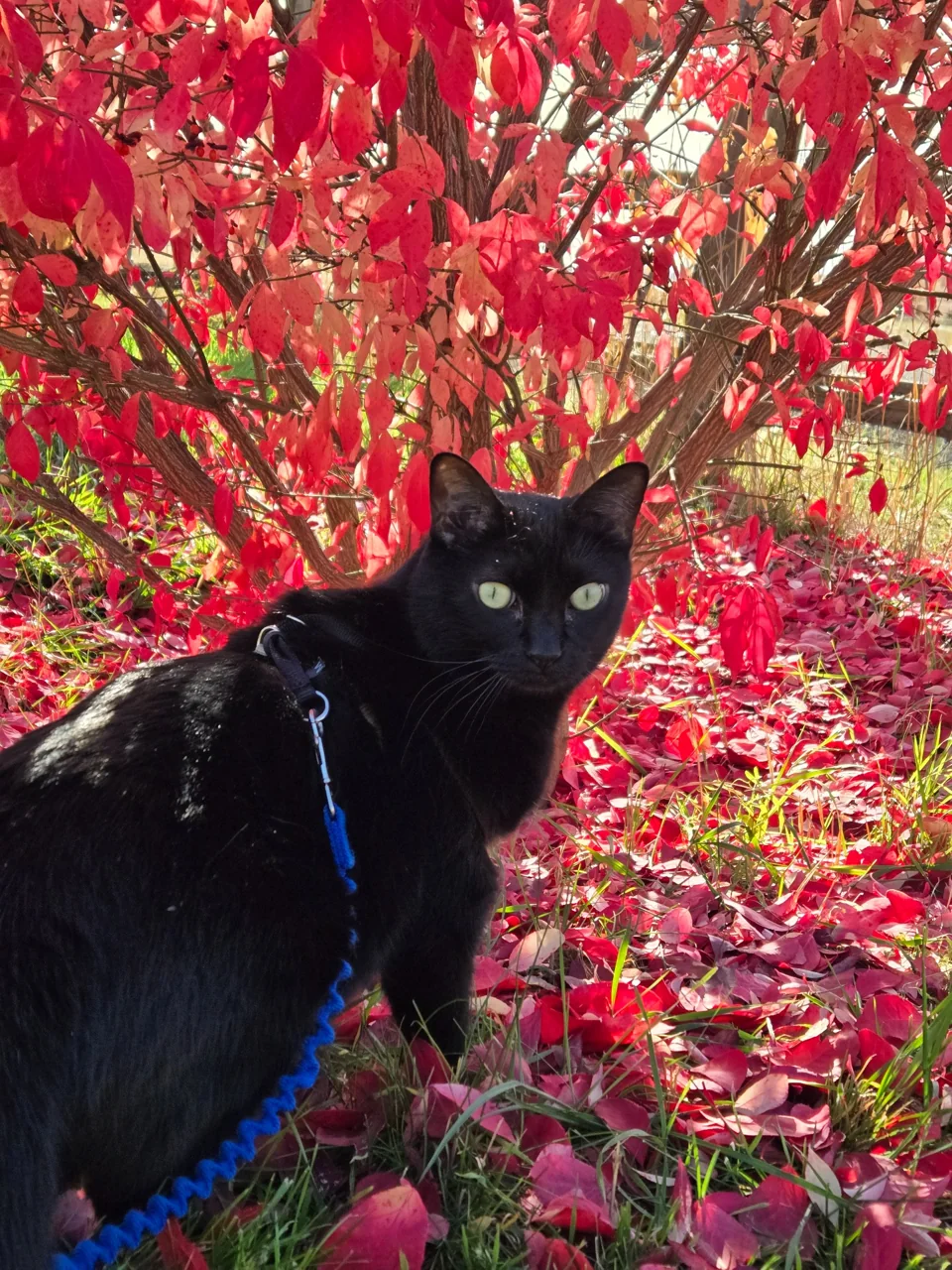
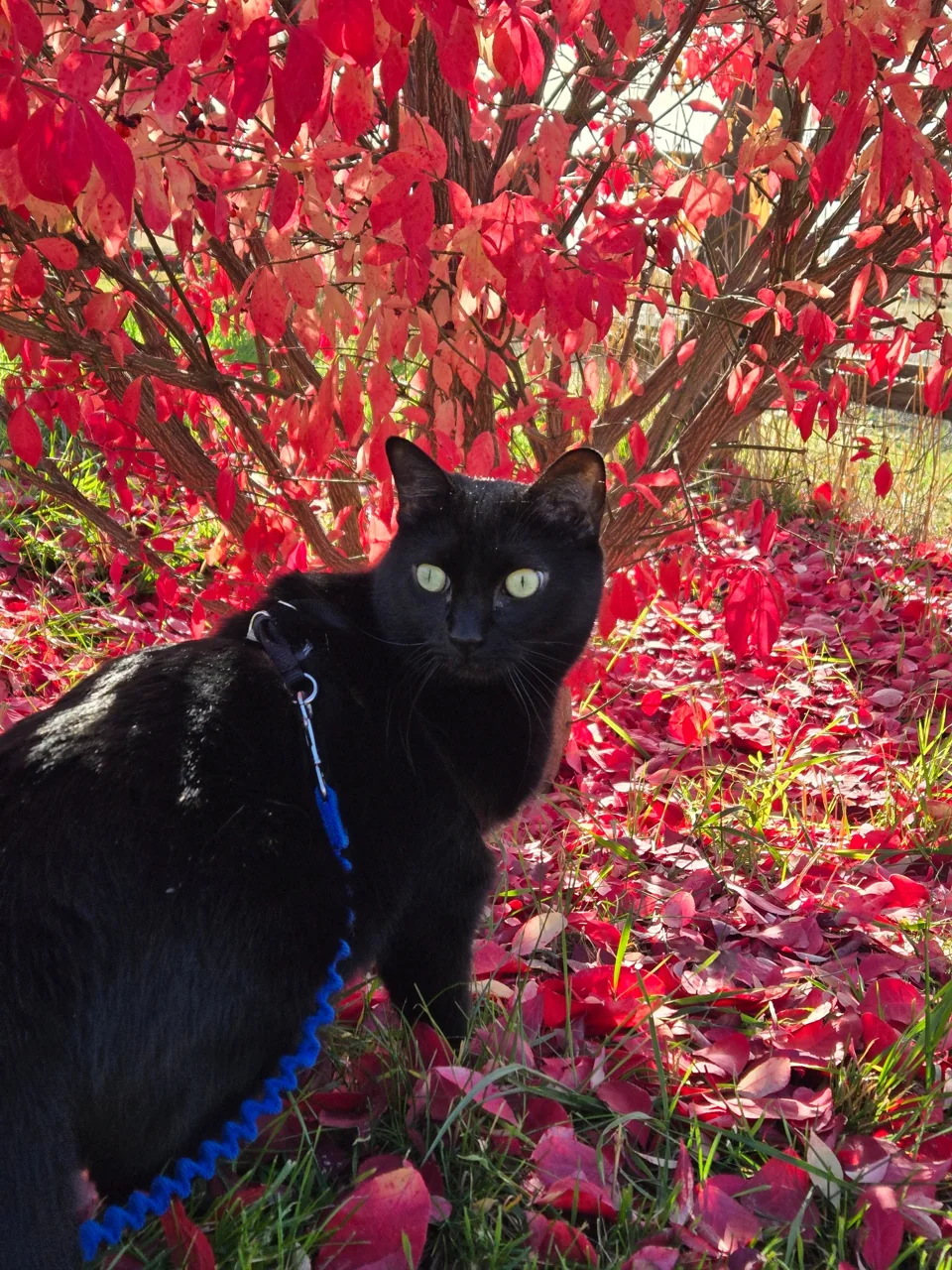
Moca off duty
The real cat behind the cyber panther.
No electric mirror required. Just Moca, a blue leash, and an autumn afternoon.
More Moca
Meet the cats behind the cyber panther.
For Moca and the rest of the cats away from the keyboard, visit Crystal Crypt Creations on Instagram.
See @crystalcryptcreations on Instagram
Behind the website
Meet the person behind Black Panther.
Explore the education, decisions, and hands-on security engineering behind this project.
Behind Black Panther →